I could not make sense of this work without research. After three years at CERN, back in Bilbao I decided to work on my own and keep researching and learning. I believe entrepreneurship is the ultimate professional challenge — and, at the same time, an expression of creativity and a claim to freedom.
Zetesis comes from the Greek ζήτησις, inquiry: find the cause before proposing the solution.
SSH certificates with my own certificate authority on two YubiKeys
LabInfrastructureSecuritySSHYubiKeySelf-hosting
I log into almost all my machines over SSH: the Proxmox hosts, the virtual machines, the four VPS, the NAS and the two routers. Which machines they are and how I deploy them is covered in How to manage multiple servers with GitOps: Kubernetes and Docker from one repository. The Kubernetes clusters are out of scope, because they run on Talos Linux, which has no SSH, as I explained in Talos Linux: Kubernetes without SSH, with the configuration in git. This post is about how I stopped copying my key to every server and started logging in with certificates signed by my own authority, whose key only exists on two YubiKeys.
As in the previous posts, I do not give machine names, addresses or domains.
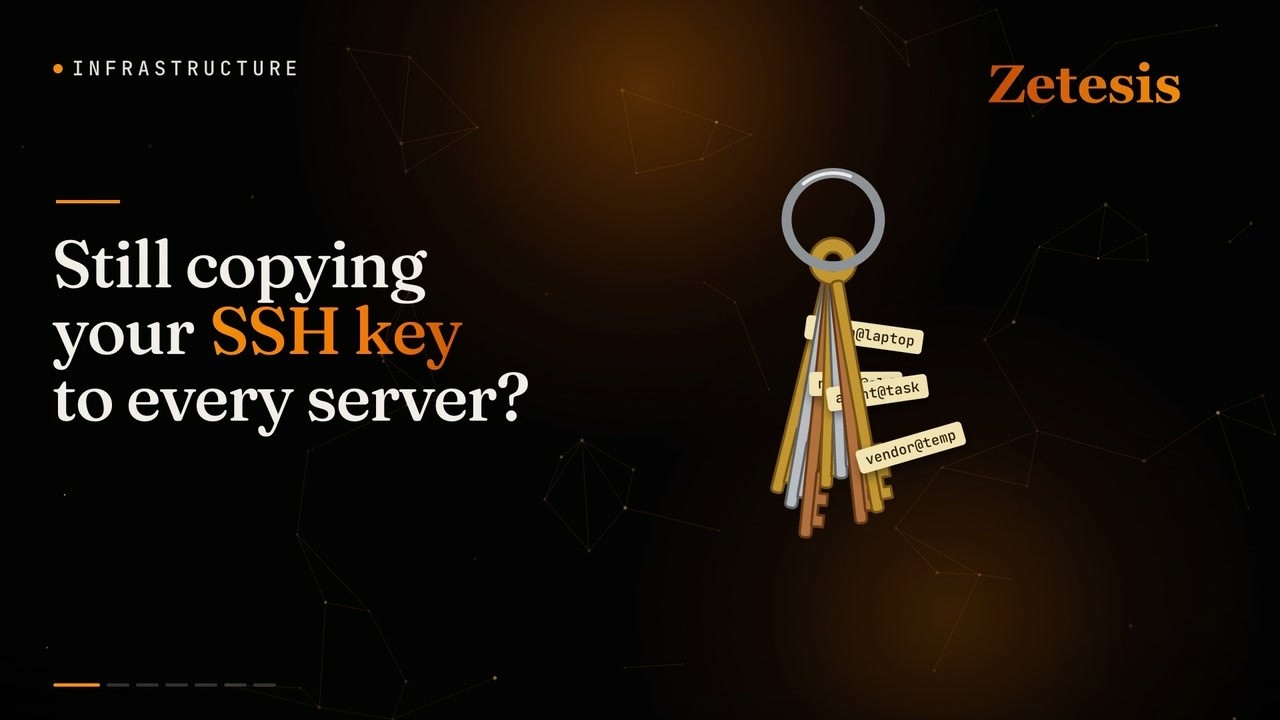
With plain SSH, every server has a file, authorized_keys, with the public keys allowed in. Each new key has to be copied by hand to every server it needs to reach, and removed from all of them once it is no longer needed. The first part gets done, because otherwise you cannot log in. The second part almost never does.
Over the years, each list tends to pile up keys nobody can place any more: the old laptop's, an agent's that ran one task, someone's who helped out for a few days. All of them keep working until someone deletes them, machine by machine.
An authority that signs, and servers that only trust it
OpenSSH has supported certificates for years. A certificate authority, which is really just a key pair, signs someone's public key together with some data: an identifier, the roles they may log in with, how long it is valid and a serial number. The server no longer needs a list of keys; the authority's public key is enough.
On my servers, the SSH configuration says three things. Accept certificates from that authority (TrustedUserCAKeys). Which role is needed to log in as each user (AuthorizedPrincipalsFile): for root, ruben-admin. And accept no loose keys at all (AuthorizedKeysFile none). Passwords are disabled.
I considered running the authority as a service, with step-ca and Keycloak sign-in, the identity system I use for my applications. I dropped it because of a chicken-and-egg problem: Keycloak lives in a cluster that runs on one of the servers I most need to reach precisely when something has gone down. So the authority is not a service: it is a key that only signs when I use it.
The authority's key is born on a RAM disk and stored on two YubiKeys
I created it with a script that runs a small ceremony. First it mounts a 32 MB RAM disk, so the private keys never touch the Mac's disk. There it generates two ECDSA P-256 authorities: one signs users and the other signs servers. Then it imports them into the everyday YubiKey, in two PIV slots (PIV is the key's smart card function), with its PIN. It does the same with the backup key, keeps only the two public keys on the Mac and destroys the RAM disk.
From then on, the authority's private keys only exist inside the two YubiKeys, which do not let them out, and every signature needs the PIN and a touch on the key. Both carry the same authority: if I lose one, I keep signing with the other.
Every day I sign my key for 24 hours
My personal key is not in a file either. It lives in the Mac's Secure Enclave through Secretive, an app that keeps SSH keys there: it cannot be copied and every use asks for Touch ID. What the authority signs is its public half.
The day's certificate comes from ssh-cert, a short script. ssh-keygen builds the unsigned certificate on the Mac: my public key, an identifier with the date and time, the ruben-admin role, 24 hours of validity and the next serial number. Opening the YubiKey asks for the PIN. Then it computes a digest of that certificate, and that digest is the only thing that travels to the key. The YubiKey waits for my touch, signs it with the authority's key and returns only the signature, which ssh-keygen attaches to the certificate.
Day to day I do not even call ssh-cert. I use enigma, another script that signs a new certificate if the current one has less than 30 minutes left and then connects me to whichever server I ask for. For a trip, enigma renovar 7d signs one valid for a week.
Every server checks the signature without connecting to anything
When I log in, the server checks, with what it already has, that the signature comes from the authority, that the certificate is within its validity and that it carries the role its configuration requires for that user. It asks no service and needs no network to decide.
That is what I was after. If Keycloak goes down, or Infisical, where I keep my secrets, or the whole cluster, I can still log in. What I do need is the laptop, with its key in the Secure Enclave, and one of the two YubiKeys.
The servers identify themselves too
The first time you connect to a server, SSH asks whether you trust its key with the familiar «Are you sure you want to continue connecting (yes/no)?», which people nearly always answer with yes without checking anything. The second authority, the one for servers, signs each server's key with a one-year certificate, and my Mac trusts it with an @cert-authority line in known_hosts. The question goes away, because the Mac already knows the server is who it claims to be.
Every certificate is logged, and every login too
ssh-cert writes every certificate it signs to a log kept on the Mac: date, serial number, identifier, role, validity and the fingerprint of the signed key. On the other end, sshd logs every login with the identifier and serial number of the certificate used.
The sshd logs of every server reach Loki, the log database I query from Grafana, and the serial number ties a login to its certificate. Serial 7, for instance, is ruben-mac-routers-20261109-2312, a one-hour certificate for the routers.
The routers and the NAS have their own rules
The routers run VyOS, whose SSH configuration only accepts RSA authorities. They get a third authority, 2048-bit RSA, in another slot of both keys, created with an identical ceremony. Their certificates last one hour at most and are never signed automatically: only when I log into a router or ask for one explicitly.
The NAS is a TrueNAS, configured through its own API. There, root has a single authorized key, which is really the authority: a cert-authority line with the ruben-admin role. Neither the NAS nor the routers have a server certificate: VyOS does not support it and TrueNAS writes its extra parameters after its own Match blocks.
What a large company would do and I do not
With many people, an authority like this usually goes further. Certificates are issued after signing in to the company's identity system, such as Keycloak, and someone who leaves gets no new ones, although the one they already have stays valid until it expires. On top of that, every root login is approved, access is limited to trusted devices and sessions are recorded.
I do none of that. For a single person, two keys are enough: my key never leaves the Mac, the authority's key never leaves the YubiKeys and every certificate stops working the next day.
 01
 02
 03
 04